The Local Guide
Sponsored Link

The Multi-Family Guide: Block Sales & Joint Permits

Did you know that pooling your inventory with neighbors can triple your foot traffic, but instantly creates a logistical nightmare for tracking who gets paid what?

Learn how to navigate joint-permit requirements, consolidate your checkout station, and seamlessly split the profits without a calculator.

Sponsored Resource

Hosting a massive multi-family garage sale in your state is the ultimate way to attract serious buyers. Shoppers and professional pickers are far more likely to stop for a massive, multi-driveway block event than a small single-family setup.

However, combining households introduces immediate operational challenges regarding city ordinances, shared liability, and accurate end-of-day payouts. If you do not have a system in place before the crowds arrive, you will spend hours arguing over a messy paper ledger trying to figure out whose item just sold.

Before combining your inventory with other families, you must establish strict operational rules to keep the event legal and profitable:

  • Verify Joint Permit Rules: Some municipalities require a special “Block Sale” permit if multiple driveways are participating, or they limit how many households can legally operate under a single residential permit. Check your local regulations to see if each participating house in your city needs to file individually at +garage+sale+permit”].
  • The Color-Dot Payout System:
    Never try to write down initials on a paper notepad during a morning rush. Assign a specific physical sticker color to each participating family (e.g., Red for the Smiths, Blue for the Joneses). To make checkout effortless, the StickerCalc app comes pre-loaded with layouts for the most popular sticker packs on the market. Just grab one of these pre-configured packs, and your digital register is already set up for you:
     
Multi-Color Dot Sticker Pack

Stop using masking tape. A multi-color dot pack is exactly what you need to assign a unique color to each participating family or seller for easy end-of-day tallying.

View on Amazon ➔
  • Digital Tallying & Profit Splits: Use a digital register like the StickerCalc app to track the families. When a buyer checks out, you simply tap the corresponding color buttons on your phone. At the end of the day, the app instantly generates a report showing exactly how much cash belongs to each household.
  • Consolidate the Cashier Station: Do not make buyers pay separately at each individual driveway. Establish one central checkout table with a dedicated cashier handling all the money. This eliminates buyer confusion, speeds up checkout lines, and significantly reduces the risk of theft.


Establishing strict checkout rules and color-coding your inventory guarantees every participating family gets paid their exact share without any end-of-day arguments or mathematical errors.
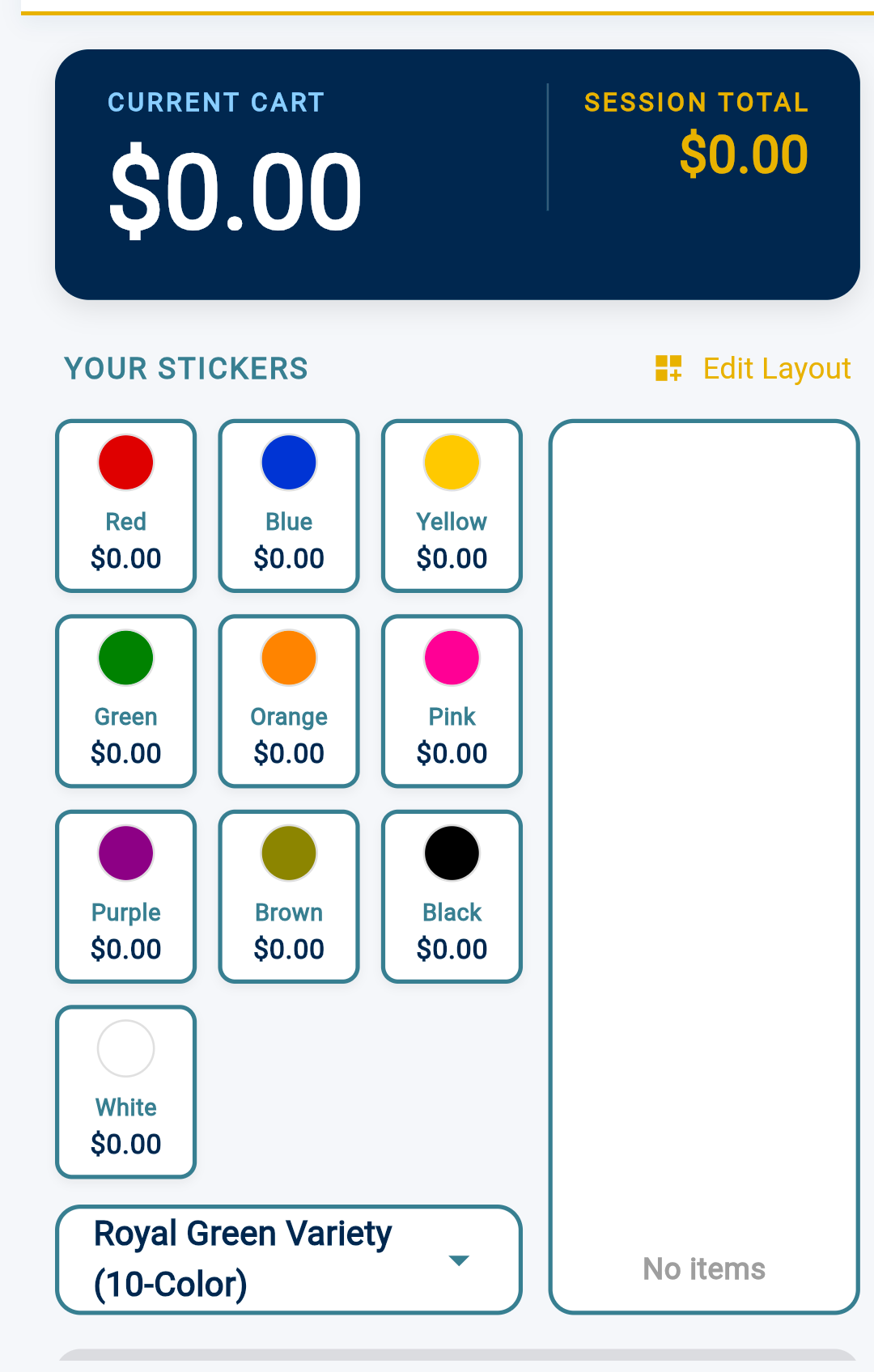

StickerCalc Color Tag Checkout
Free Checkout Tool StickerCalc: The No-Math Sale Calculator

Skip the messy paper scratchpad math. Tally color-coded sticker prices instantly, easily track multi-family sales splits, and calculate cash change on the fly directly in your browser.

Get StickerCalc Now ➔


Advertisement